Flexible
Take it nearly anywhere with an internet connection: desktop, laptop, tablet, or phone.
2 active service incidents
SumoFiber Video Conferencing is a cloud-based meeting platform with HD video, audio dial-in, screen sharing, file sharing, and one-click recording. Built for distributed teams that need real face-to-face collaboration without juggling four different tools.
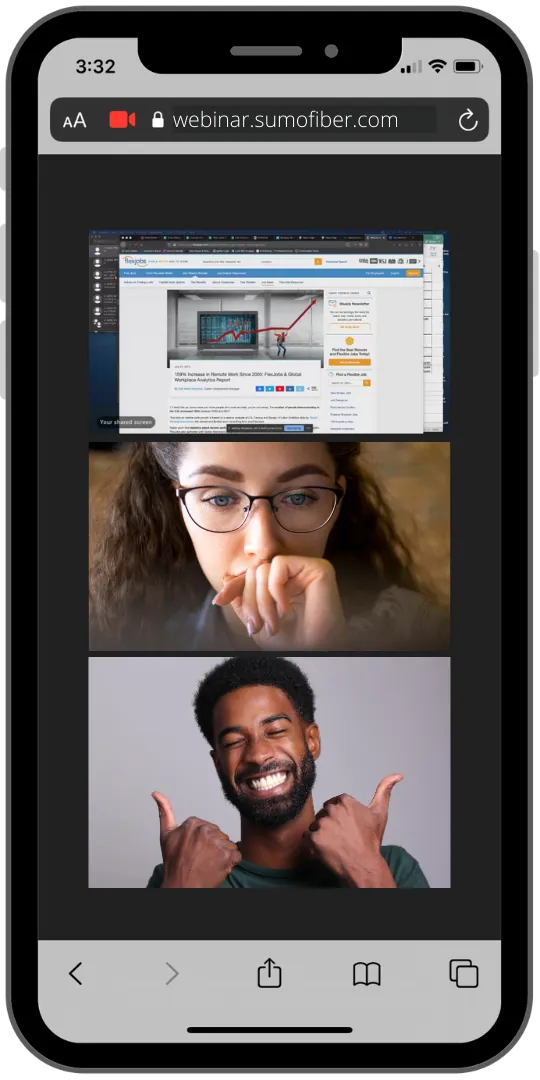
Keep the personal touch of face-to-face meetings, even when your team isn't in the same room, the same office, or the same time zone.
Take it nearly anywhere with an internet connection: desktop, laptop, tablet, or phone.
An easy-to-use platform that keeps your team a few clicks away from a productive meeting.
Cloud-hosted means no on-site servers, no version drift, and no infrastructure to maintain.
Four core capabilities that cover the way real teams meet, without four different vendor logins to remember.
Access from anywhere, on any internet-capable device with a camera and microphone. No server, no install footprint.
Teams that aren't in the same office accomplish more, together: screen share, whiteboard, and chat in real time.
Host webinars. Walk customers through your service. Train staff. Run all-hands. One platform, every meeting type.
Schedule, mute, share screen, manage participants, and record. Your team stays in complete control of every meeting.
Joining, collaborating, recording: the three things every team needs to do, and the three places most video tools fall short.
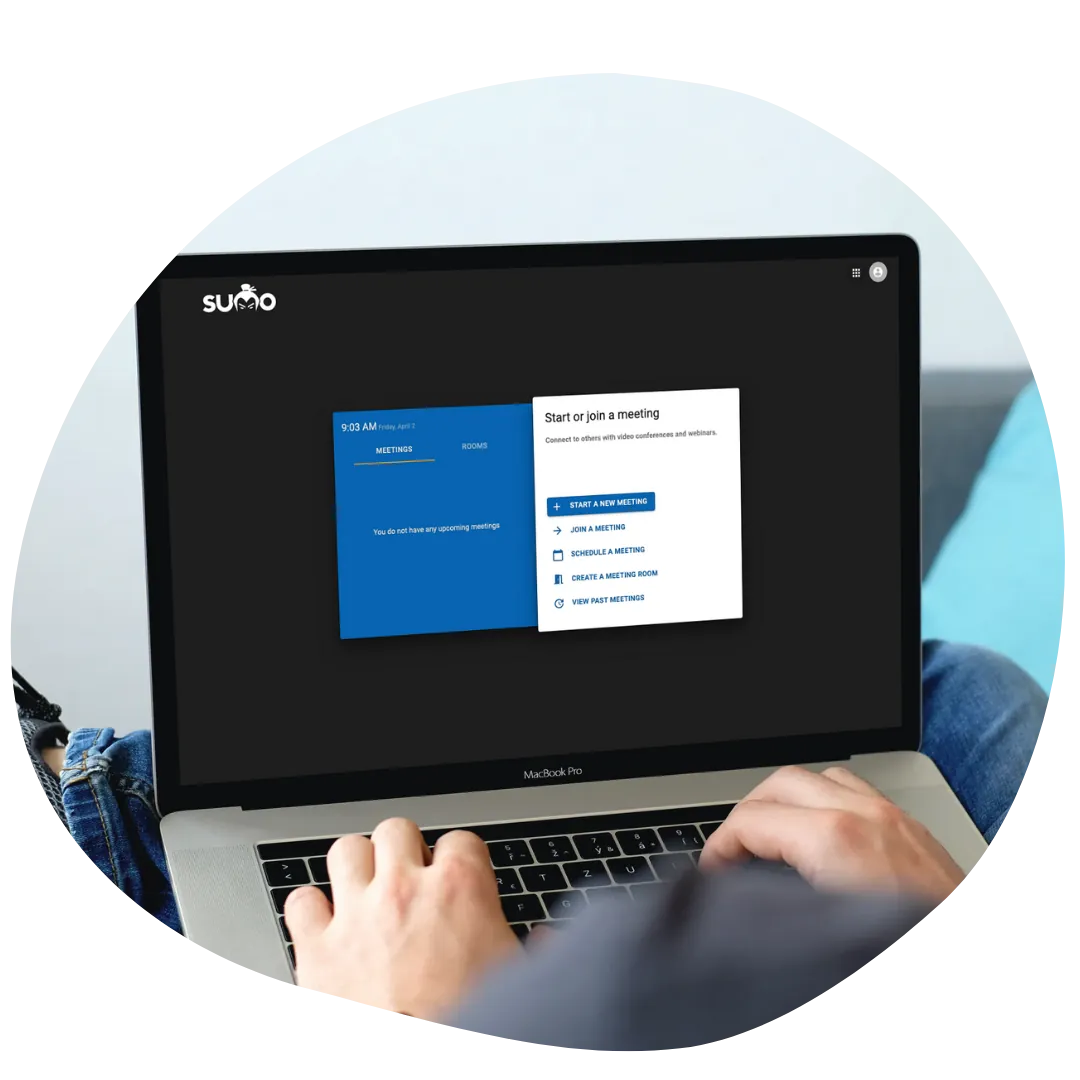
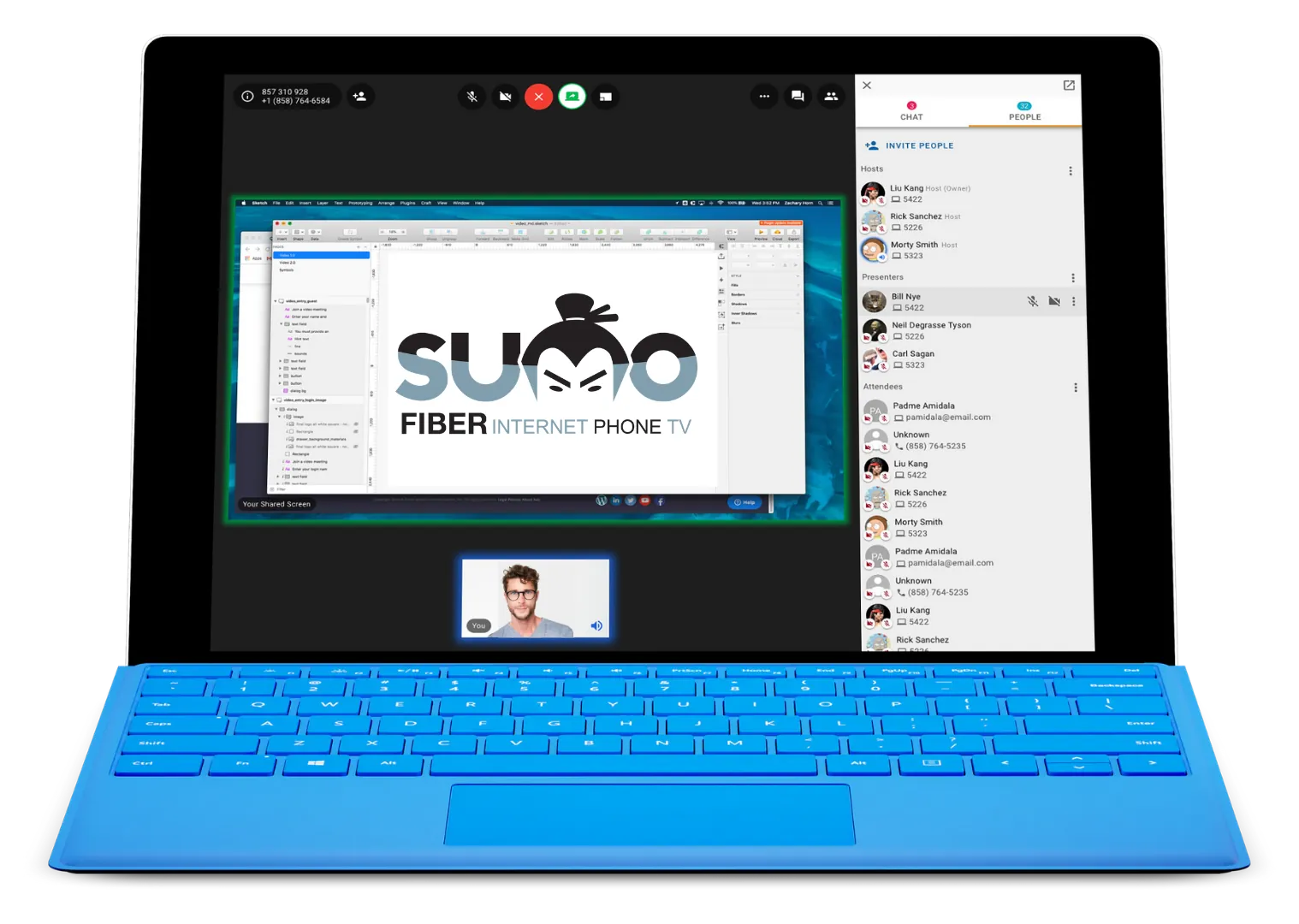

Pair Video Conferencing with your Hosted PBX and your team gets unified communications inside a single portal: calling, conferencing, voicemail, SMS, and meeting recordings, all in one place.
One platform for voice, video, and chat means less context-switching and fewer dropped handoffs.
Provision, audit, and support unified comms from a single admin portal. Not three disconnected vendor consoles.
Bill, support, and scale your communications under a single SumoFiber relationship: local team, local accountability.
Talk to a SumoFiber specialist about pairing Video Conferencing with your Hosted PBX, scoping seat counts, and getting your first meeting on the platform live this week.
SumoFiber Video Conferencing is a cloud-based meeting platform that lets your team meet face-to-face from any internet-connected device. It includes one-click join, screen sharing, file sharing in chat, full meeting recording, and tight integration with SumoFiber Hosted PBX.
Most meetings can be joined directly from a modern web browser with no install. Desktop and mobile apps are available for teams that want a faster join experience, push notifications for meeting invites, and the ability to dial in over a traditional phone line.
Standard meetings support up to 100 participants, enough for daily standups, customer demos, and most company all-hands. Larger webinar tiers extend that to several hundred for product launches, training events, and broadcast-style sessions. Talk to a SumoFiber specialist to scope the right tier for your team size.
Yes. Every meeting can be recorded with a single click. Recordings can be stored in the cloud for on-demand access or downloaded locally for archive and training use. Use them for product demos, internal training, customer follow-ups, and meeting minutes.
Yes. SumoFiber Video Conferencing is built to pair with SumoFiber Hosted PBX. When the two are deployed together, your team manages calling, conferencing, voicemail, and recordings inside a single unified-communications portal: one login, one bill, one support team.
Yes. Participants can share their screen, share files into the meeting chat, and edit shared documents collaboratively in real time. Hosts retain full control over who can present, who can chat, and who can join the meeting.
A standard SumoFiber business internet connection is more than sufficient for HD video conferencing. As a rule of thumb, plan for roughly 2 Mbps up and down per concurrent HD video stream. Pairing Video Conferencing with SumoFiber Business Internet keeps voice and video on the same low-latency network.
Cloud business phone system with iOS/Android mobile apps and 50+ country reach.
Two business lines on one smartphone. Keep your team's privacy, keep your brand voice. No app required.
Click-to-call, call history, and SSO across Salesforce, HubSpot, Microsoft Teams, and ConnectWise.
Business fiber across Utah, Idaho, California, Colorado, Montana, Wisconsin, Illinois, and New York, with static IPs available on every plan.